 Senti
Senti
For Solo Traders
Connect MT5. We do the rest.
Connect a supported MT5 account, activate a strategy, and watch it run from Fleet Control. Once the account is ready, going live takes minutes.

These are infrastructure activity and availability signals. They do not describe profit, strategy quality, or expected returns.
Less infrastructure to maintain. Complete control in one place.
Built for Solo Traders who want automated execution without making VPS patching, terminal babysitting, and fragmented monitoring part of their daily routine.
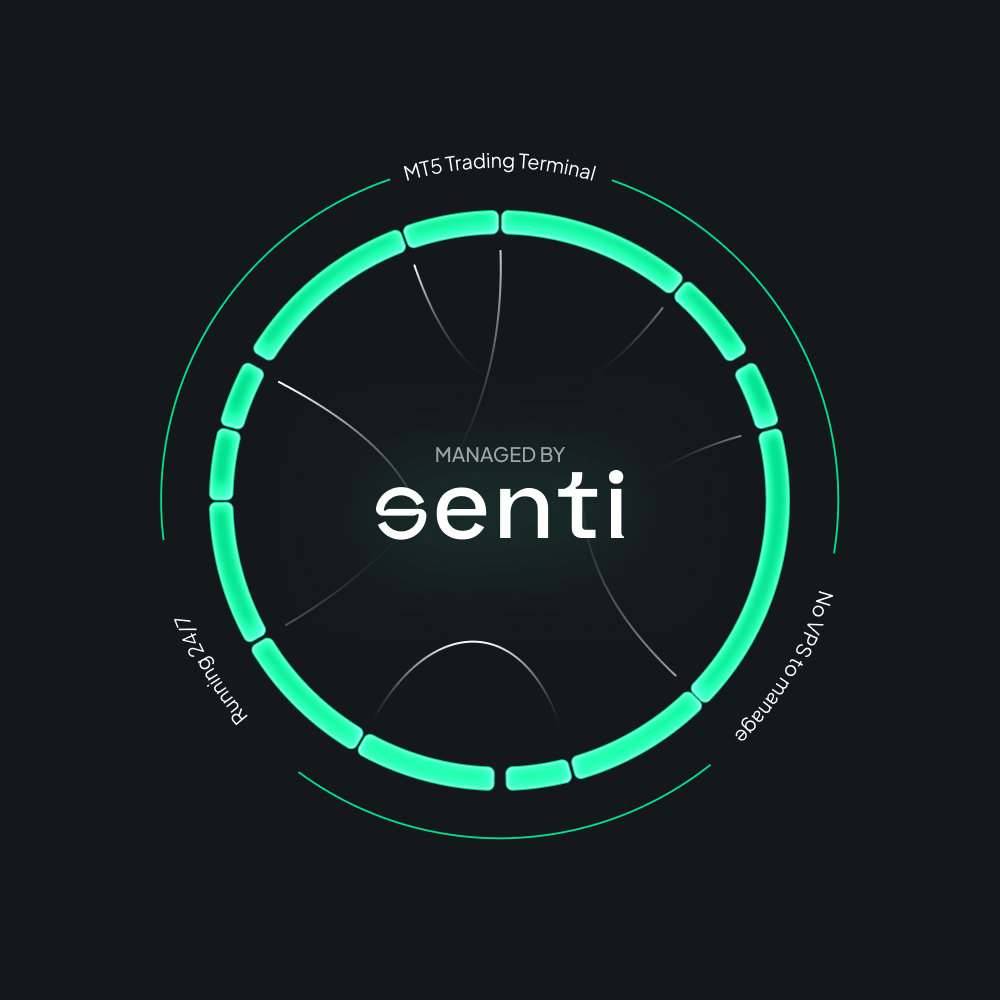
- Zero VPS Maintenance: Eliminate manual OS updates, VPS hosting fees, and terminal babysitting.
- Unified Control Surface: Monitor open positions, balances, and bot health in a single web dashboard.
- Instant Risk Halts: Pause entries or execute hard stops instantly whenever market conditions change.
- One-Click Revocation: Disconnect your broker account at any time to sever trading access immediately.
- Account-Based Scaling: Scale your trading footprint by adding accounts, never pay for algorithm bundles.
Senti streamlines automation operations. It does not dictate your strategy or eliminate trading risk.
From broker account to monitored automation
Start on the Free plan with capacity for one Trade Account.
Connect securely via trade-only access. Your broker continues to hold your funds.
Review behavior and risk rules before enabling execution on your account.
Keep account, execution telemetry, and bot health in one product surface.
Pause entries, stop the workflow, or disconnect the broker account to revoke access at any time.
Transparent permissions. Absolute fund security.
Your broker holds your capital. You control deposits and withdrawals through the broker, outside Senti.
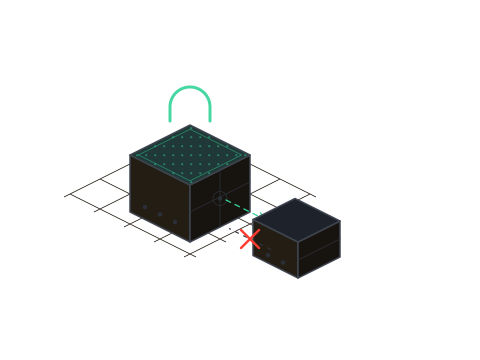 Non-custodial by design
Capital does not enter Senti's custody
Funds stay where they already are.
- Funds remain at your broker: Your capital never touches Senti's infrastructure.
- Trade-only execution: Senti executes workflows strictly via trade-only permissions.
- Zero withdrawal access: Senti cannot initiate transfers or withdrawals.
- Autonomous control: You remain fully responsible for strategy, risk, and authorization.
Senti is trading automation infrastructure. It is not a broker, fund manager, copy-trading marketplace, signal seller, or promise of returns.
Choose Trade Account capacity, not an algorithm package
Senti sells trading automation infrastructure. Self-serve plans scale by the number of Trade Accounts you connect.
$0 per month · up to 1 Trade Account
- Capacity for one Trade Account
- Fleet Control monitoring
- Activate an available automation workflow
- Pause, stop, or disconnect anytime
$39.99 per month · up to 2 Trade Accounts
- Capacity for up to two Trade Accounts
- Everything in Free
- Run a couple of accounts in one view
$99.99 per month · up to 5 Trade Accounts
- Capacity for up to five Trade Accounts
- Everything in Basic
- Bring several accounts into one workflow
$199.99 per month · up to 10 Trade Accounts
- Capacity for up to ten Trade Accounts
- Everything in Pro
- Operate a larger personal account set
You are paying for infrastructure and compute capacity measured in Trade Accounts. Algorithms are not the priced unit.
Built for Solo Traders who want operational control
- Use MT5 actively: Want to stop provisioning and maintaining your own VPS workflow.
- Manage personal accounts: Operate one or more accounts and want them in a single view.
- Demand clear visibility: Need a cleaner, browser-based way to monitor and govern automation.
- Own your risk: Understand that strategy selection and risk parameters remain entirely yours.
- Platform custody: Custody of your capital inside the software platform.
- Managed accounts: A managed fund or trading executed on your behalf.
- Trade calls: Signal subscriptions, trade alerts, or copy-trading services.
- Guarantees: Promised returns or guaranteed profit outcomes.
Common questions
Does Senti hold or withdraw my funds? +
Can I stop the automation? +
Do I need to keep my own VPS or laptop running? +
Does Senti choose the right strategy for me? +
Does automation reduce trading risk? +
Which plan should I start with? +
Three stages. One Trade Account. No VPS to babysit.
Connect a supported MT5 Trade Account, activate a supported strategy, and keep the operation visible from Fleet Control. Upgrade only when you need more account capacity.