 Senti
Senti
Product Features
Automation, operated for you.
Runtime, orchestration, visibility, deployment, and execution controls in one layer — so terminal uptime and broker connectivity never become your operation. Senti sells infrastructure measured in Trade Accounts. Not algorithms, and not a trading outcome.
Infrastructure already operating at live-beta scale
These figures show infrastructure activity and historical availability. They do not describe investment performance, strategy quality, expected returns, or a contractual uptime commitment.
One constraint creates all the others
Trading automation rarely fails because a team cannot describe a strategy. The failure lies in operational drag:
- Terminal Sprawl: Account states scattered across fragile machines that must stay online 24/7.
- Friction in Delivery: Manual EA updates and repetitive account-by-account configurations.
- Operational Blind Spots: Ambiguous kill-switch protocols and audit trails reconstructed from screenshots.
Senti addresses those problems with product capabilities that can be used through the Senti product, a confirmed Whitelabel deployment, an API integration, or a managed on-premise engagement. The exact interface, permissions, data surface, and service commitment depend on the selected deployment.
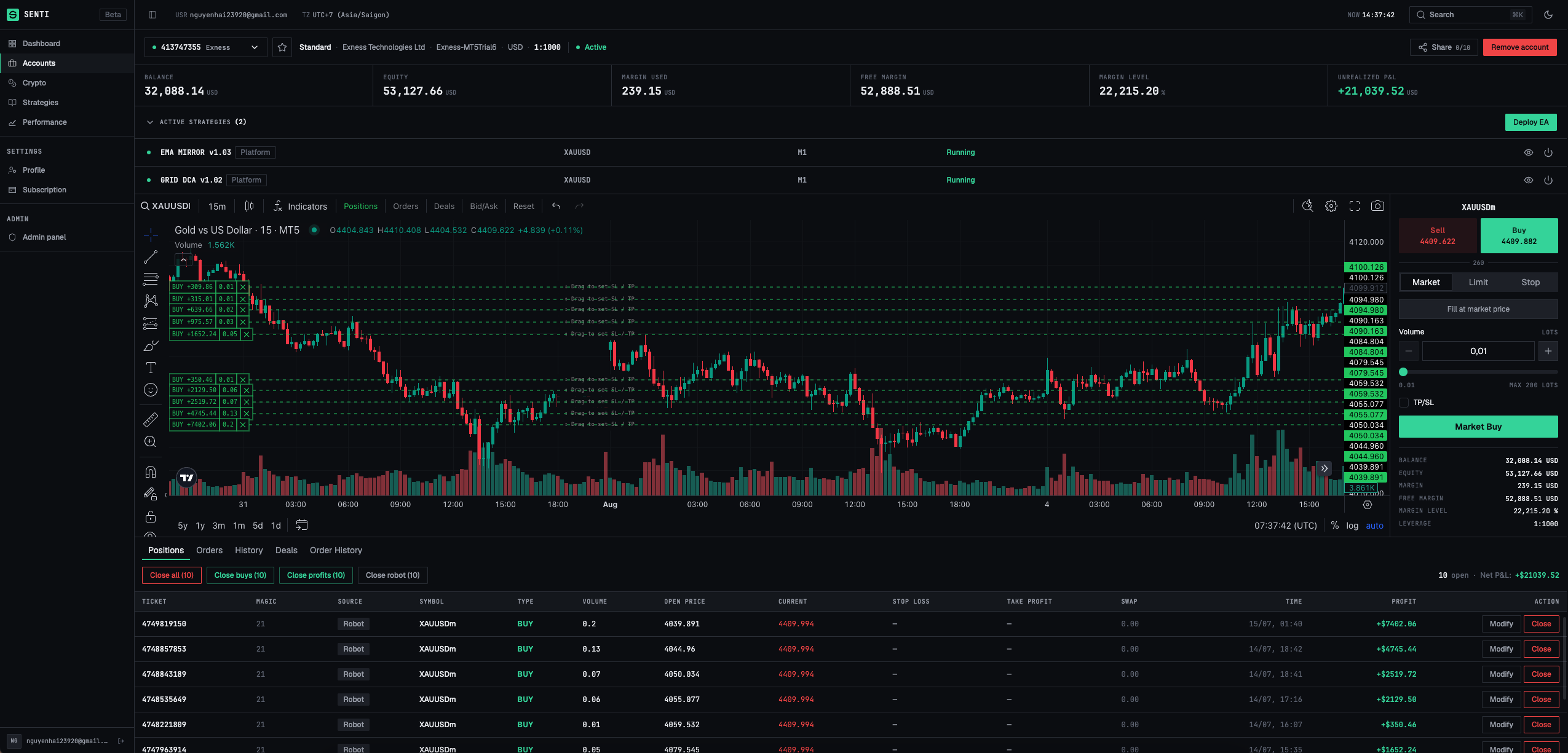
One constraint creates all the others
MT5 is mature and Senti replaces none of it. The constraint is architectural: an EA runs only inside a Windows terminal that must stay on. Senti operates that terminal for you; each row below is one consequence.
These core capabilities decouple execution from infrastructure. Deploy however your architecture demands:
- Self-Serve App
- White-Label
- Direct API
- Senti Inside (On-Premise)
A managed 24/7 automation runtime
The pain: The EA is automated, but the machine is not. Keeping it live means manual VPS provisioning, OS patching, and terminal babysitting for every single account you add.
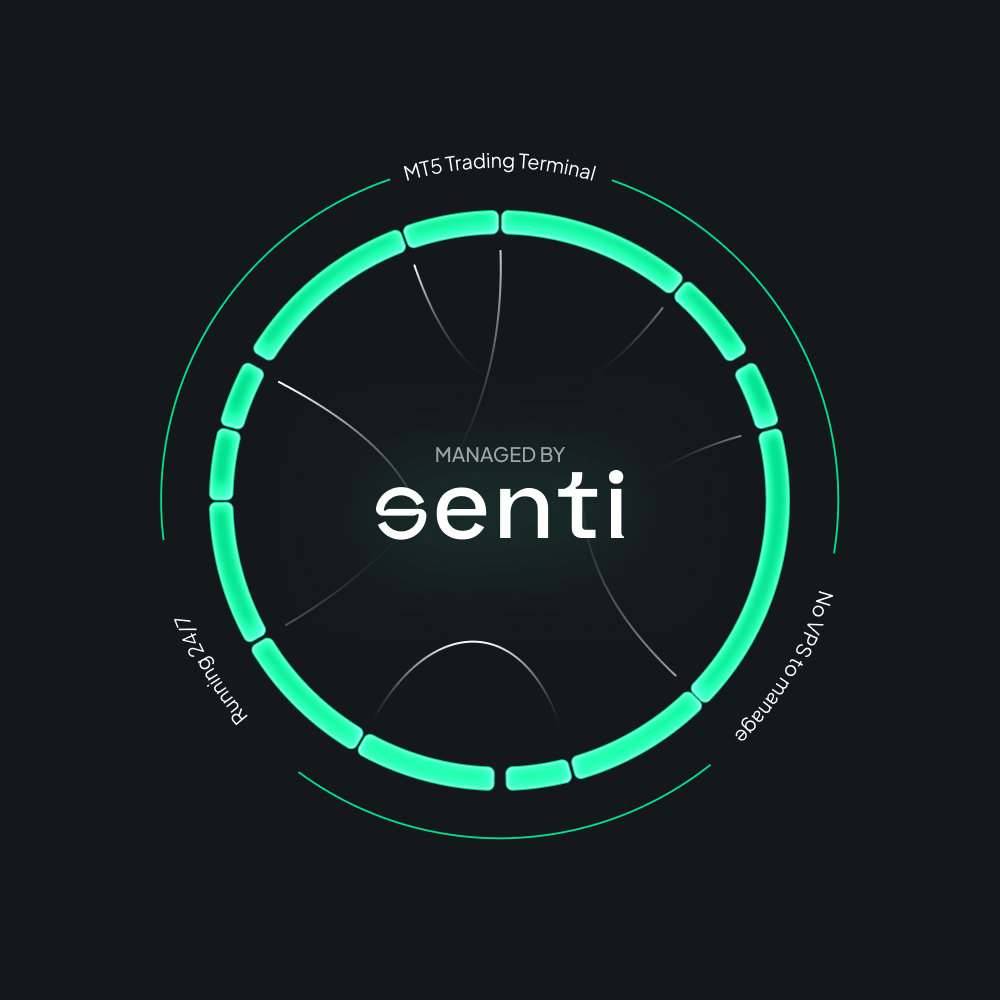 The feature
Senti runs your automation runtime around the clock
Your laptop and local MT5 terminal never need to stay open. Senti maintains execution runtime and broker connectivity around the clock, while you retain 100% ownership of your trading strategies and decisions.
- Zero VPS Babysitting: Eliminate server provisioning, OS patching, and constant terminal uptime checks.
- Always-On Execution: Workflows run continuously 24/7, even when your local machine is closed or offline.
- Frictionless Scaling: Add Trade Account capacity instantly without spinning up isolated environments per account.
- Operational Clarity: Establish clear infrastructure boundaries and escalation paths between dev and trading teams.
Managed runtime does not eliminate market, broker, or connectivity risks. Contracted availability and incident response commitments are defined by your deployment tier.
Unified command for your entire trading fleet
The pain: MT5 operations are locked inside individual machines. Outside that Windows screen, verifying status or tweaking risk means hunting for screenshots and remote VPS logins.
Monitor live positions, open orders, equity, and account health across all deployments in real time, no remote desktops required.
Adjust strategy allocations, calibrate risk parameters, and trigger emergency actions instantly from a single web console.
Fleet Control is the default web surface for Senti Self-Serve. Whitelabel, API, and On-premise deployments inherit equivalent control capabilities.
Trade account orchestration across MT5 brokers
The pain: One MT5 terminal instance holds only one login. Scaling automation across multiple accounts forces you to duplicate environments, credentials, and manual checks, multiplying maintenance overhead with every account added.
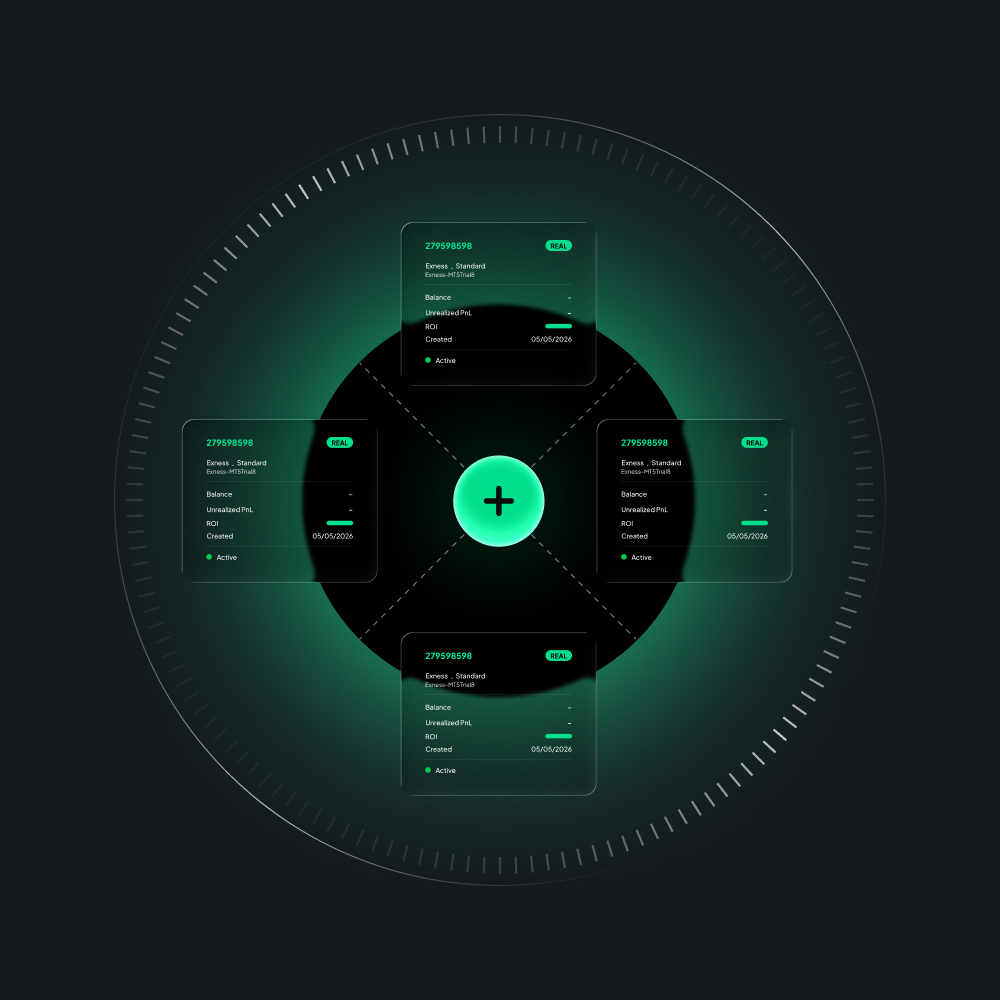 The feature
A unified operating workflow across all connected accounts
Senti orchestrates multi-account execution without merging state. Each account retains its dedicated broker connection, credentials, and risk envelope, managed through a single control plane.
- Unified Fleet Visibility: Monitor and manage multiple broker accounts from one consolidated interface.
- Isolated Account Context: Retain separate configurations, strategy allocations, and order states per account without cross-contamination.
- Elastic Account Capacity: Scale your trading footprint on demand without re-architecting infrastructure.
- Capacity-Based Pricing: Pay purely for connected account throughput, never for bundled algorithm packages.
Senti supports MT5 brokers meeting documented API requirements. Technical isolation boundaries and account compatibility are confirmed during technical evaluation.
Turn trading logic into deployable infrastructure
The pain: You ship an EA file, but your client has to build an entire environment. MQL5 handles strategy compilation well, but scaling breaks immediately: clients struggle with Windows setups, MT5 installations, and VPS management before a single trade is made.
Upload pre-compiled binaries directly into Senti's deployment pipeline. Your intellectual property remains secure, zero access to source code required.
Iterate and generate executable logic from structured parameters using AI assistance. You retain full developer oversight for testing, validation, and final approval.
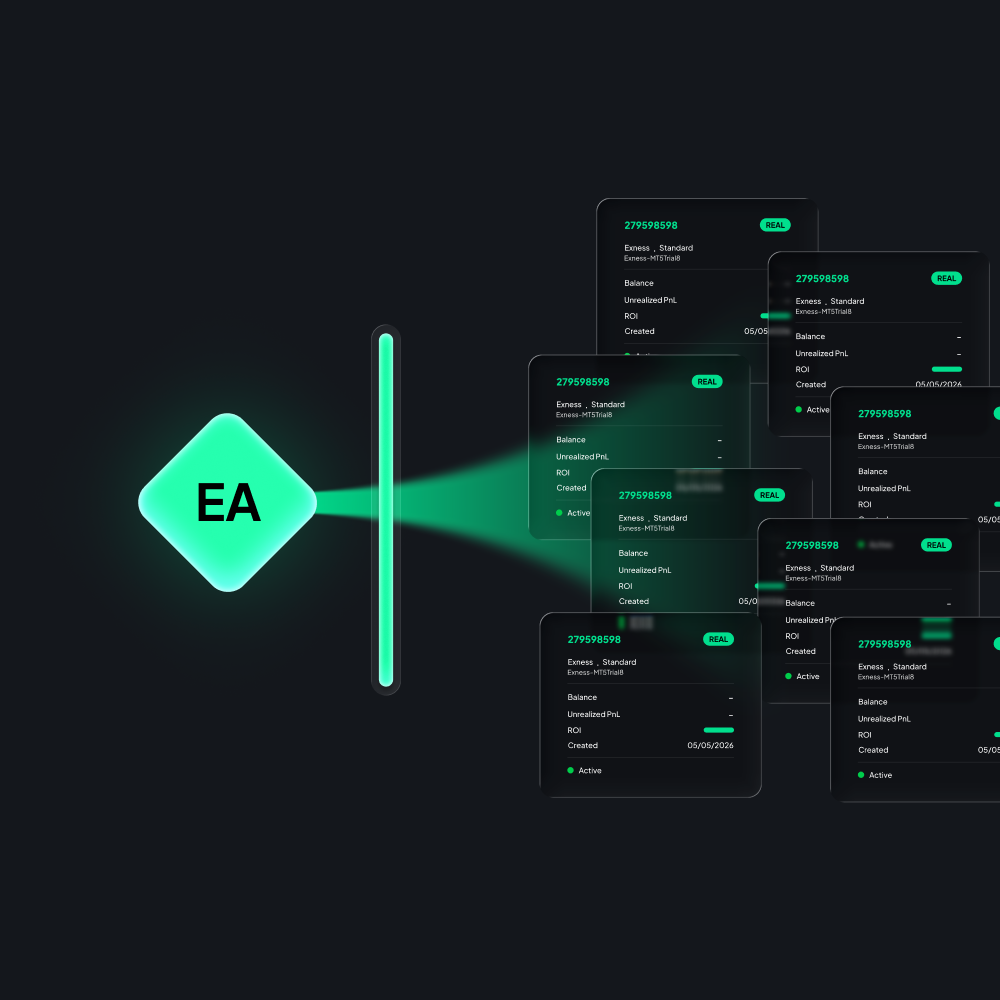 The outcome
From fragile file sharing to automated distribution
Once approved, your EA plugs directly into Senti's managed execution layer, inheriting 24/7 uptime, automated connectivity, and centralized fleet controls.
- Standardized Onboarding: Ingest EAs into production through a single, reproducible workflow.
- 100% IP Protection: Preserve absolute ownership of strategy logic, proprietary code, and commercial terms.
- Zero Client Friction: Eliminate manual VPS setups and local MT5 installation headaches for end users.
- Controlled Rollouts: Pilot with a single account or a private cohort before scaling to your full user base.
Create EA is a deployment and authoring tool, not a public marketplace or substitute for rigorous developer testing. Trading performance is not guaranteed.
Timestamped verification from live execution
The pain: MT5 history has no URL. Order history remains locked inside a desktop terminal, forcing verification through screenshots and chat logs, making it impossible to audit incidents or separate strategy logic from infrastructure failures.
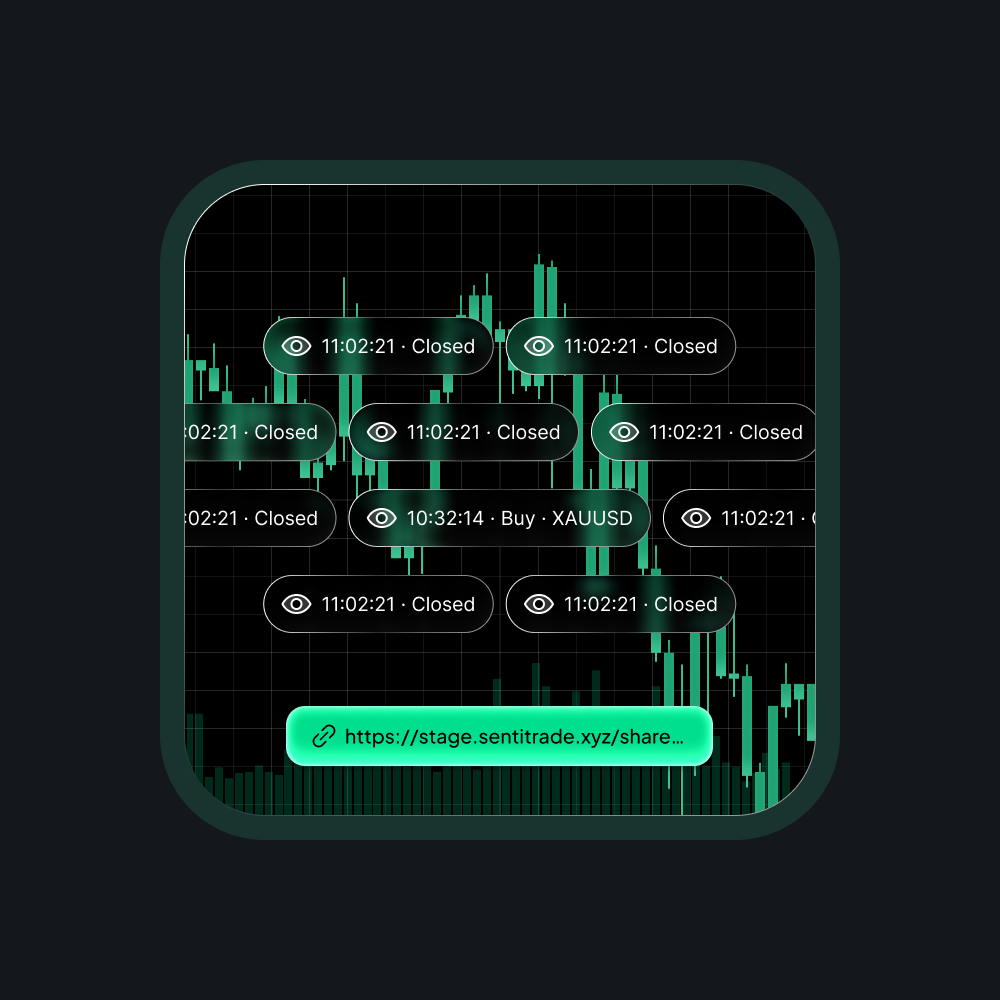 The feature
Cryptographically verifiable audit trails & shareable links
Senti transforms local MT5 logs into immutable, timestamped execution records. Share tamper-proof performance and order activity via secure links, without ever exposing broker credentials or withdrawal keys.
- Granular Order Auditing: Inspect microsecond timestamps, order parameters, fills, and slippage data in real time.
- Zero-Trust Verification: Provide ops and support teams with definitive log data to diagnose anomalies instantly.
- Credential-Safe Sharing: Generate read-only, access-controlled links for investors or clients with zero security exposure.
- Audit-Ready Exports: Stream execution history directly into internal analytics or compliance workflows via API.
Execution records reflect historical order events and latency data; they do not constitute audited financial statements, compliance endorsements, or profit guarantees.
The five capabilities above are what Senti does. The sections below are the routes through which those same capabilities reach an end user. A buyer selects one of them rather than adding it to the others.
Your brand at the front. Senti infrastructure at the back.
The pain: MT5 belongs to someone else. Trading communities, academies, and quant teams invest heavily into their brand and education, but are forced to send clients into a generic Windows app that cannot be branded, embedded, or controlled.
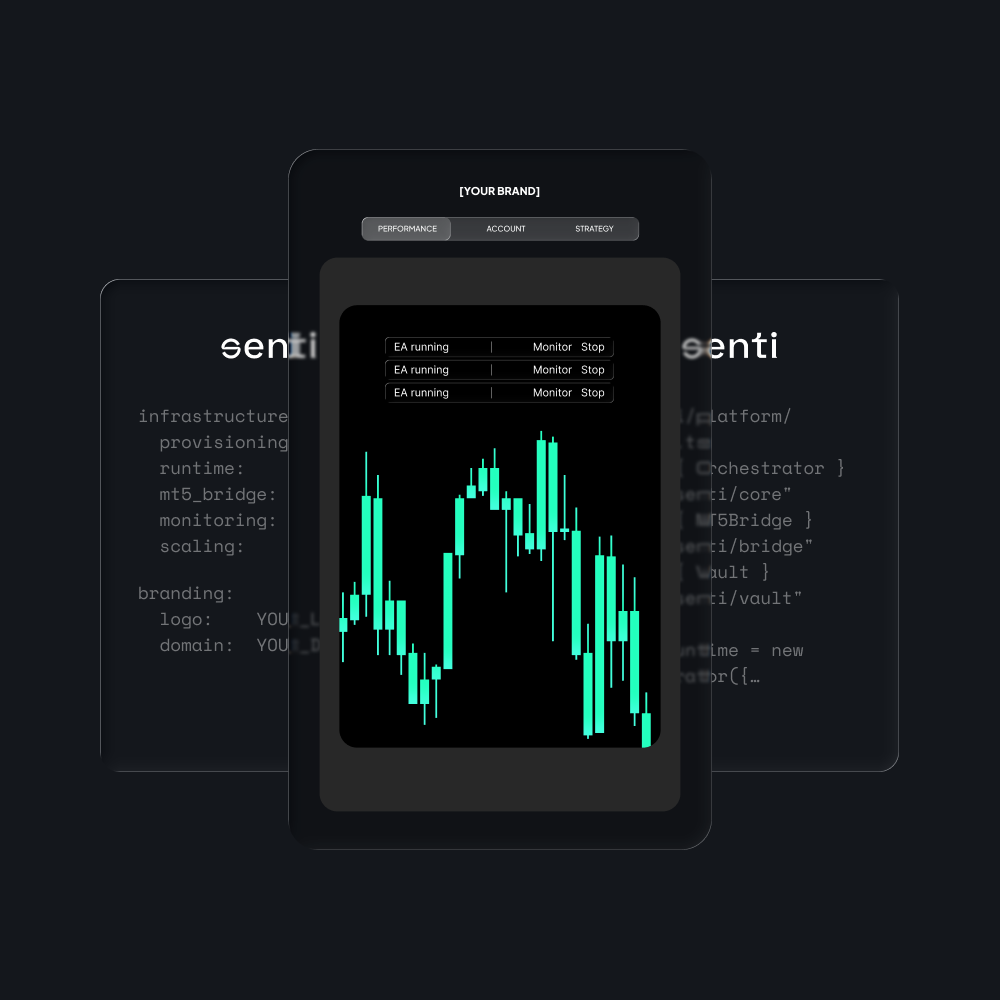 The feature
Turn Senti's automation engine into your proprietary platform
Deploy a fully branded execution ecosystem under your domain. You retain total ownership of your client relationships, strategies, and commercial terms, while Senti handles the underlying runtime and broker orchestration.
- Custom Branding & Domain: Host the entire experience under your own domain with custom styling and branding.
- Proprietary Onboarding: Control strategy access, user permissions, and account activation paths end-to-end.
- Client Control Surfaces: Expose tailored risk controls, equity curves, and performance metrics directly to your users.
- Multi-Tenant Isolation: Enforce enterprise-grade data isolation and workspace separation across all managed clients.
- Admin Governance: Manage client fleets, monitor execution health, and handle billing from a unified admin portal.
Scale your business with a turnkey, institutional-grade product experience without the expense of building and maintaining custom trading infrastructure.
Brand controls, custom-domain setup, moderation, user management, reporting, workspace isolation, customer-facing controls, and self-service administration must be verified against the production deployment before they are presented as available features. Standard Whitelabel is not a source-code purchase or a promise of a native mobile application.
Embed institutional execution directly into your product
The pain: A desktop binary cannot live inside a modern web or mobile app. FinTech products have their own UX, user base, and billing, forcing users to download a separate Windows terminal breaks the product journey completely.
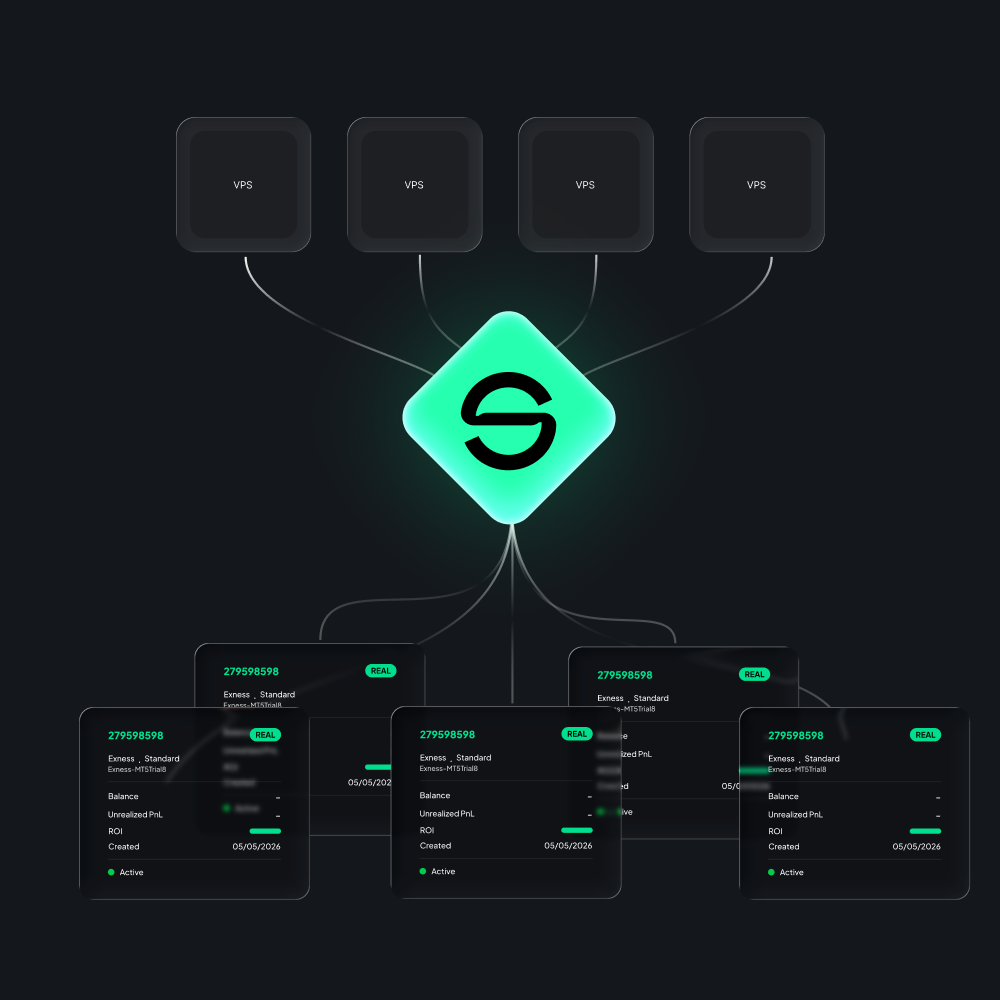 The feature
Add trading automation without rebuilding the execution stack
Integrate Senti via modular REST APIs and Webhooks. Your application retains full control over the user experience, client identity, and billing, while Senti handles runtime orchestration, order routing, and broker connectivity under the hood.
- Seamless Native UX: Keep users entirely within your web or mobile app without third-party terminal handoffs.
- Event-Driven Architecture: Stream live execution events, order states, and balance updates directly into your front-end via Webhooks.
- Production-Grade Resilience: Leverage automated failure handling, built-in retry logic, and strict error boundaries out of the box.
- Modular Scalability: Start with a simple provisioning-to-reporting endpoint and expand capability as your volume grows.
Endpoint specifications, rate limits, sandbox environments, and SLA guarantees are finalized during technical evaluation. Senti acts strictly as infrastructure and does not provide end-user level support.
Turn raw VPS instances into a managed automation service
The pain: Hosting providers sell compute, not software abstraction. A VPS vendor provides server infrastructure competently, but cannot bridge the layer above: end users still have to set up MT5, maintain connections, and babysit EAs via clunky remote desktop sessions.
- Lightweight Agent Deployment: The Senti Inside agent installs directly onto MT5 terminals running on your own infrastructure.
- Browser-Based Telemetry: Stream terminal health, EA status, account equity, and execution logs to a web dashboard accessible by your clients.
- Native Partner Branding: Deliver the entire monitoring and control interface seamlessly embedded inside your existing client portal.
- Granular Command Boundaries: Enforce strict permission models, scoped remote commands, and automated fail-safes defined during technical onboarding.
Senti Inside brings our automation abstraction to your infrastructure. You operate the compute and own the client relationship under your brand; Senti powers the software layer.
How the product works
Link a supported MT5 Trade Account or confirm the account-provisioning boundary for the selected B2B deployment.
Deploy a supported strategy, upload a compiled EX5, use Author with AI, or integrate the agreed strategy workflow through API.
Use Senti-managed runtime or the contracted on-premise deployment boundary.
Review the fields provided by the selected operating surface and use its confirmed pause, stop, disconnect, or API controls.
Use execution activity and operational evidence to support verification, troubleshooting, and deliberate expansion.
The self-serve and B2B paths do not have the same onboarding timeline or feature surface. No universal activation-time claim applies across every deployment.
A clear line between your operation and Senti's
Funds remain at the user's broker. Senti provides trading automation infrastructure, not investment advice, discretionary account management, or guaranteed trading outcomes.
What people ask before the demo
Does Senti replace MT5? +
Is this not what MetaTrader VPS already does? +
MT5 has mobile apps and a Web Terminal, is that not the same thing? +
Do we have to give up the MT5 tooling we already use? +
Bring one workflow. Leave with a scope.
Trade Accounts, strategy path, operating pain, control requirements. We will map them to the smallest Senti scope that proves the fit.